How to Create a Slack Bot: 4 Ways From No-Code to Custom AI
9 min to read
- Get a free consultation on your Slack botBook Now
Slack shipped its API more than a decade ago, and building a bot on it has never been easier - or more confusing to research. Half the tutorials out there predate Workflow Builder; the other half are pitches for whatever platform published them. So here is the honest version, from a team that builds Slack bots for a living. There are four real ways to create a Slack bot in 2026. Two need no code at all. One is a proper software project. Another option depends heavily on an LLM. Below are all four, with the actual clicks and commands, so you can pick the cheapest one that makes your specific problem go away.
The short version: create a Slack app at api.slack.com/apps ("Create New App" → "From scratch"), add bot token scopes like chat:write under OAuth & Permissions, install it to your workspace, copy the xoxb- token, and connect it to Bolt in Python or JavaScript. That is the custom route - and there are two no-code shortcuts besides: Slackbot custom responses (two minutes) and Workflow Builder (paid plans). The rest of this guide walks through all four.
What Counts as a Slack Bot?
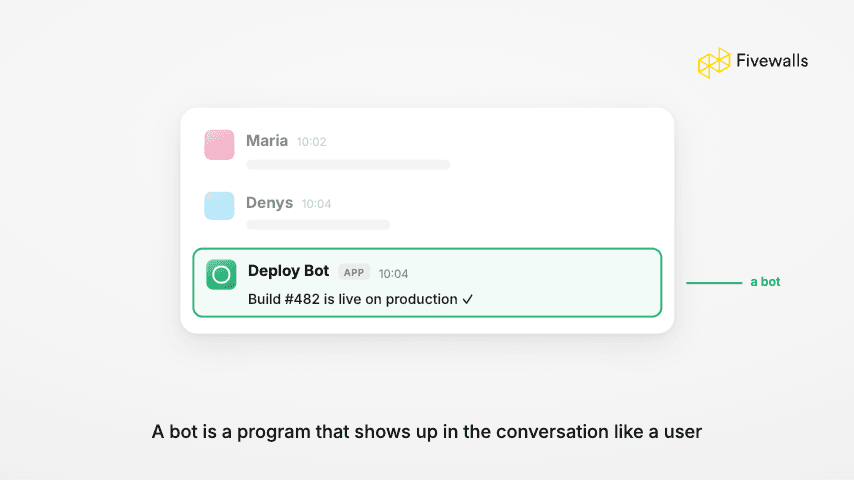
People say "Slack bot" and mean three different things, because Slack itself uses three overlapping words. Slackbot is the built-in assistant. A bot is an app with a bot user attached. A Slack app is the packaging every custom bot ships in. Underneath the naming mess sits one idea: a program that behaves like a user in your Slack workspace - posting messages, answering questions, reacting to events, shuttling data to and from your other tools.
One "bot" can be an auto-reply for the wifi password. Another can file tickets, sync the CRM, and post deploy status to a Slack channel. Same word, wildly different projects. So before picking a method, settle two things: who maintains it, and whether it has to reach systems outside Slack.
Which Way Should You Build? A Quick Comparison
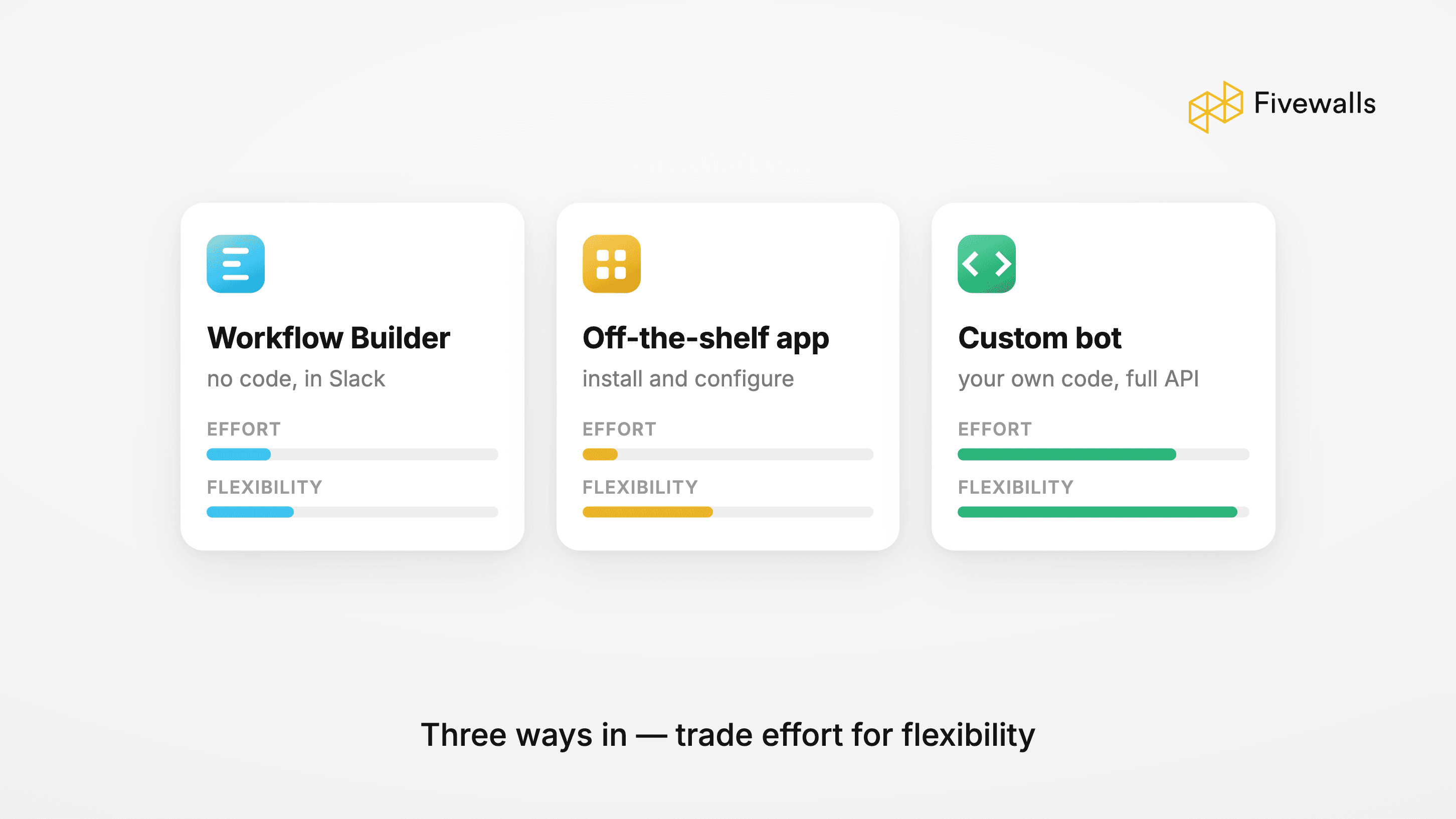
Every method trades power for maintenance burden. The four below are ordered by effort - and after a decade of building Slack tools, we have shipped every one of them, usually starting lower on the list than the client expected.
Here is how the four paths compare at a glance:
Slackbot custom responses: no code, about 2 minutes, works on every Slack plan. Best for canned answers to repetitive questions in any Slack channel.
Workflow Builder: no code, about an hour for your first bot, requires a paid Slack plan. Best for forms, approvals, and scheduled messages.
Slack API with the Bolt framework: Python or JavaScript, a few days of work. Full control over slash commands, events, webhooks, and integrations with outside systems.
AI-powered bot: code plus an LLM API such as OpenAI or ChatGPT, one to six weeks. Natural-language answers and agent-style automation.
In short: if you only need canned replies, start with Way 1. If you need logic without code, use Way 2. Everything more ambitious points to Way 3 or Way 4.
This said, do keep in mind that teams overestimate how much effort they need to put into a bot that would reach their goals. We have replaced more than one abandoned custom build with a two-minute Slackbot response that did 80% of the job. When in doubt, start a rung lower than your instincts say. Upgrading is cheap, since each path teaches you the next.
Way 1: Customize Slackbot Responses (No Code, 2 Minutes)
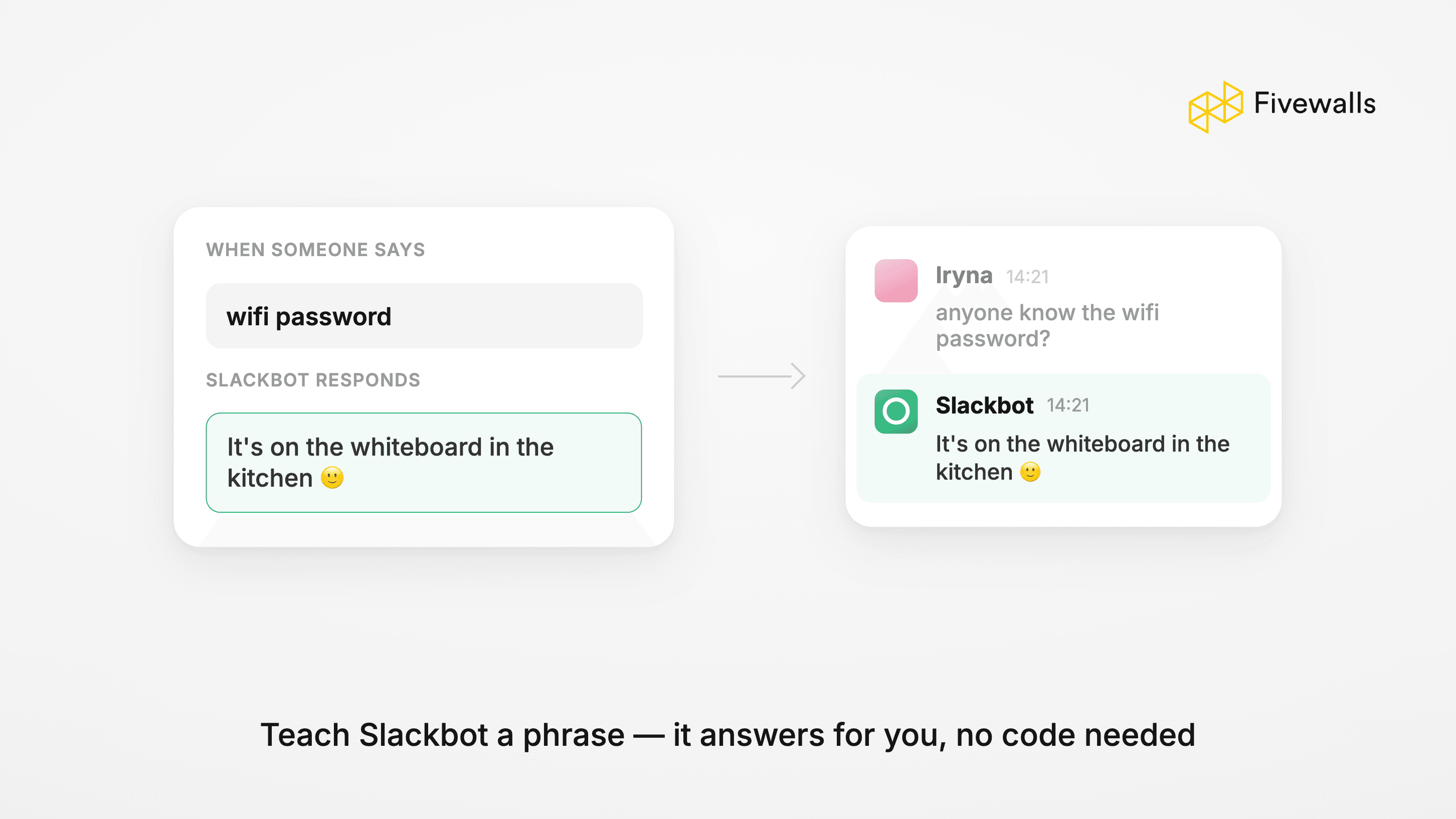
Slackbot - the assistant that ships in every workspace - will answer any trigger phrase with whatever reply you feed it. No Slack app, no install, no permissions review. It hides in workspace settings, and most admins have simply never opened that tab.
The setup, click by click:
- In Slack, click your workspace name and choose "Tools & settings", then "Workspace settings".
- Open the Slackbot tab (workspace owners and admins manage it there).
- Click "Add new response", enter the trigger phrase your team keeps typing, and write the reply Slackbot should send.
- Save, then test it by posting the trigger phrase in any Slack channel.
That is the entire setup: no Slack app to install, no code, and your first automated messages go live in about two minutes.
The obvious use is canned answers - wifi passwords, expense-policy links, where the deploy checklist lives. The ceiling is low: no logic, no external calls, and responses fire workspace-wide. In a busy channel, though, those two minutes buy back a lot of quiet.
Way 2: Build a Bot with Slack Workflow Builder (Paid Plans Only)
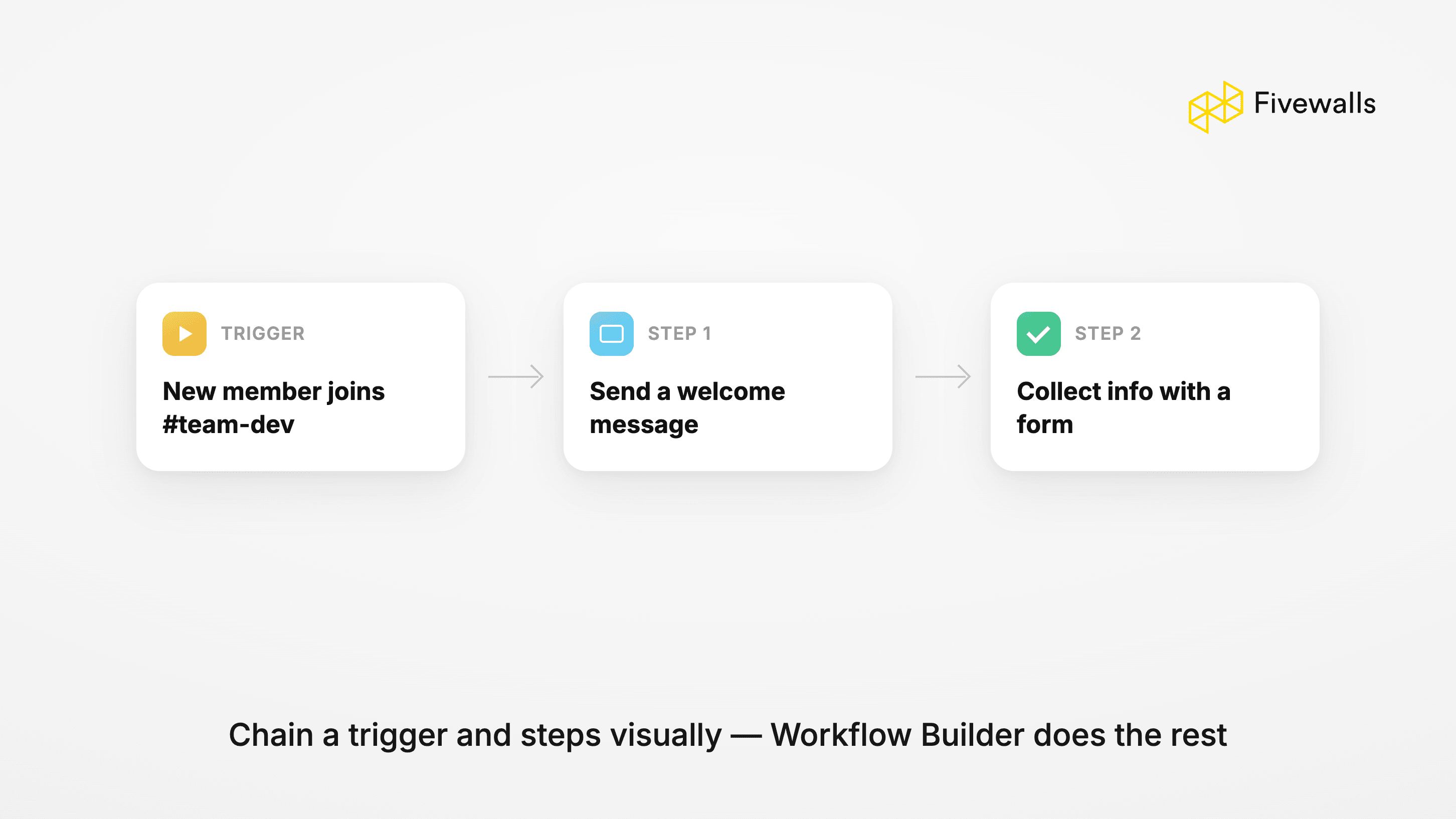
Workflow Builder, Slack's visual automation tool, earns its keep when you need logic but nobody wants to own code. You drag together a trigger (someone joins a channel, submits a form, clicks a shortcut), and custom steps follow: post a message, collect fields, add people, or fire a webhook. One catch: it needs a paid Slack plan.
The pre-built templates cover the common workflows - intake forms, approval chains, standup reminders - and honestly, most teams' first three bot ideas are really workflows. Where you will hit the wall: branching logic, lookups in outside systems, anything that transforms data. When a workflow sprouts its fourth workaround, that is the signal to move up to the API.
Way 3: Create a Custom Slack Bot with the Slack API and Bolt SDK
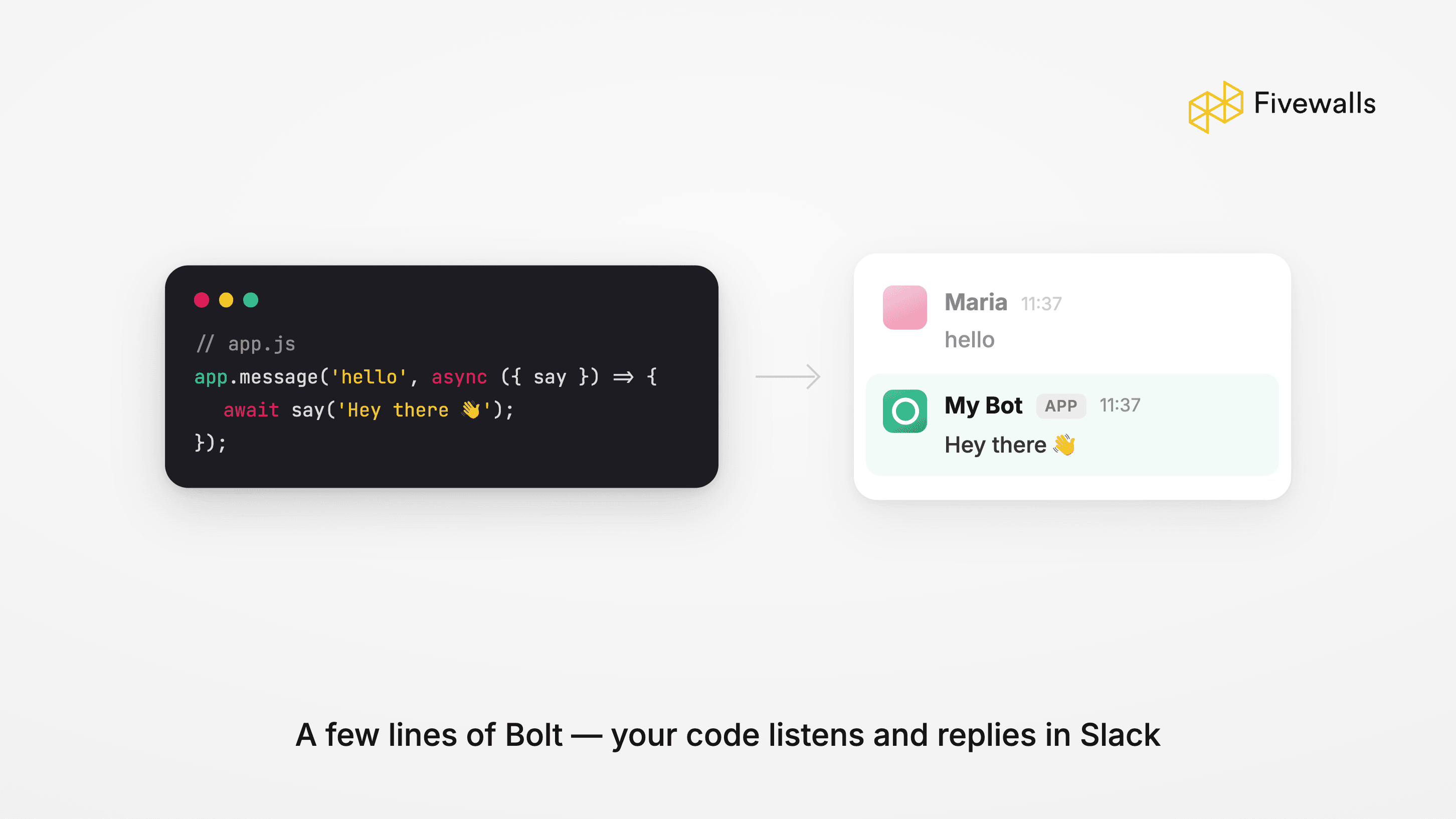
This is the path with no ceiling - and the one where you are writing software, with everything that implies. Nearly everything in Slack is reachable through the API: messages, files, modals, slash commands, events, home tabs. Bolt, the official framework for Python and JavaScript, absorbs the boring parts - auth, retries, payload parsing - so a first working bot is honestly an afternoon.
Slack's developer docs are unusually good; there is a sandbox program for testing, and every bot token scope, such as chat:write, is documented under OAuth & Permissions. You will spend more time deciding what the bot should do than wiring it up.
The core build takes five steps:
- Go to
api.slack.com/apps, click "Create New App", choose "From scratch", and pick the workspace where your Slack app will live. - Under OAuth & Permissions, add bot token scopes such as
chat:writeandapp_mentions:read. Request only the scopes your bot actually needs. - Click Install to Workspace and copy the Bot User OAuth Token (it starts with
xoxb-). Store it as an environment variable such as SLACK_BOT_TOKEN, never in your code. - Scaffold the project with the Bolt framework:
pip install slack-boltfor Python, ornpm install @slack/boltfor JavaScript. The quickstart in the Slack developer docs gives you a working app that answers when someone mentions the bot. - Run it in Socket Mode for local development, invite the bot to a Slack channel with
/invite, and mention it to test the event flow. For production, most teams switch to webhooks by enabling Event Subscriptions with a public request URL.
From there, slash commands, interactive buttons, and scheduled messages are all incremental additions to the same project.
Budget a few days for a relatively simple internal tool, although the development will take longer once integrations pile up. In exchange for total control, you now own uptime, token hygiene, and every new API deprecation.
Way 4: Build an AI-Powered Slack Bot
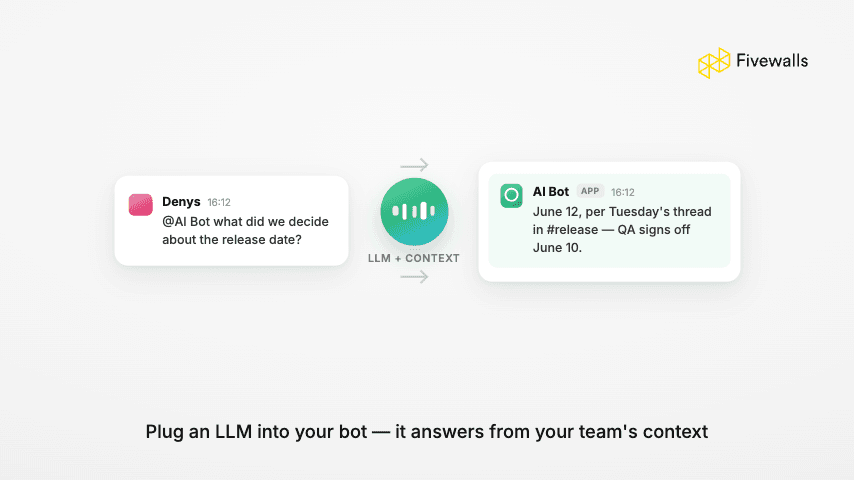
Nowadays, most companies want to take advantage of AI's capabilities and integrate them into their everyday processes - which is how "Slack AI agent" and "Slack chatbot" ended up meaning roughly the same thing: a bot in the workspace that answers like a person. Mechanically, it is Way 3 plus an LLM - your Bolt handler forwards the message, with whatever context you allow, to a model API such as OpenAI's, then posts the answer back into the channel.
The hard part is not the code. It is the decisions around it: which data the bot can read, what it can do on its own, how its answers get logged, and what happens when the model API has a slow day. Working through those is why an AI bot takes more than just an afternoon. Build one when it should answer from your company's own knowledge — docs, tickets, order history. If the team just wants general AI chat, an off-the-shelf app does that with no build at all.
Taking Your Slack Bot to Production: Hosting, Security, Rate Limits
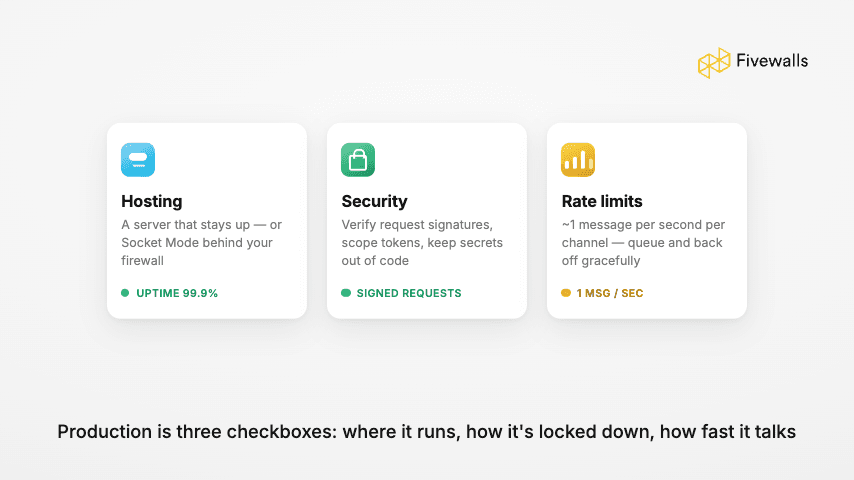
A bot that works on your laptop is not done. Token security first: that xoxb- token is a password to your workspace, so it lives in a secrets manager, never in the repo, and the app requests the fewest scopes it can function with. We rotate tokens at every client handoff - cheap insurance.
Then, hosting. Though the choice should be specific to the project's architecture, Railway tends to be great, and it beats serverless for most bots, because Slack expects a response within three seconds and cold starts eat most of that budget.
Respect the rate limit too. If necessary, consider batching your notifications instead of spraying them, or Slack could start dropping messages exactly when everyone is watching.
And put one person's name on maintenance. Slack deprecates APIs on a schedule, and in our experience, an unowned bot can die quickly.
DIY or Hire a Developer?
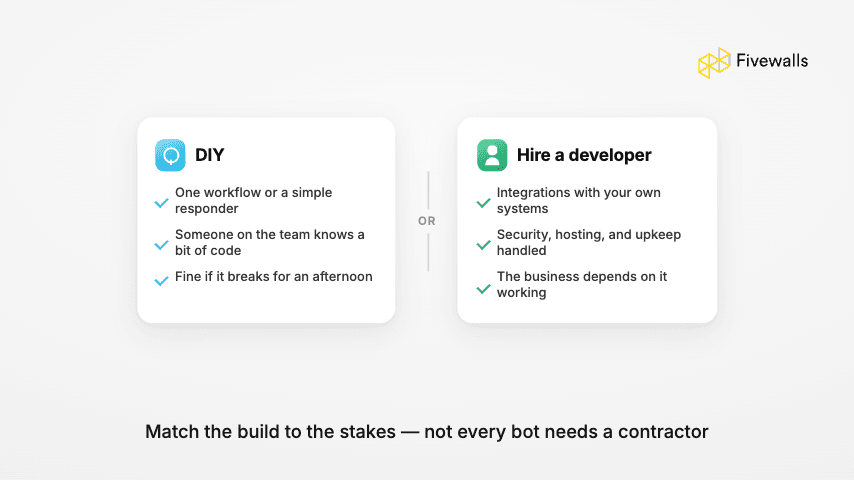
Ways 1 and 2 are always DIY - hiring anyone for those would be silly. The real question starts at Way 3: an internal-tool bot is a small software project, and the math is your engineers' time against an agency invoice.
Our rule of thumb at Fivewalls is simple. DIY when the bot touches one system and failure is only an annoyance. Get help when it touches customer data or several systems, or when "we'll get to it next sprint" has happened three times. A typical custom build runs 4-6 weeks, priced by complexity, features, and integration depth.
If you want a second opinion on scope, our Slack bot development services page explains how we work. The consultation is free, and we will tell you honestly when Workflow Builder already covers the job.
Conclusion
That is the whole landscape. Slackbot responses for canned answers, Workflow Builder for logic without code, Bolt when you need real software, an LLM layer when the bot should think. Effort rises with each rung; so does what you can automate.
If a bot idea has been sitting on your team's backlog, pick the lightest path that proves it, and ship the first version this week.
A Slack bot is a program that posts and reacts inside your workspace like a user - answering questions, filing tickets, moving data between your tools. Teams build them to stop doing the same manual tasks in Slack every day.
Yes - two of the four ways ship with Slack itself. Slackbot custom responses handle canned replies in about two minutes, and Workflow Builder covers forms, approvals, and reminders on paid plans. No third-party platform needed.
Start inside Slack: open Workflow Builder, pick a template such as a request form, choose the trigger, and publish it to a channel. If you outgrow it, connector platforms like Zapier can bolt on outside services before you ever write code.
It answers in plain language from your own data - docs, tickets, order history - instead of making people dig for it. The catch is scope: an AI bot is only as trustworthy as the limits you set on what it can see and do.
Build a normal API bot with Bolt in Python or JavaScript, then route incoming messages to an LLM API such as OpenAI's, adding your own context and guardrails before posting the reply. Expect one to six weeks for something production-ready.
Would you like to rate this article?